Seven Warning Signs Your Business Wi-Fi Needs Redesigning

Business office with ceiling access points providing complete Wi-Fi coverage

Published July 2026

Business Wi-Fi often develops gradually: one router becomes two access points, a meeting room gets an extender, and a separate guest network is added later. It may work well enough for a time, but growing device numbers, cloud applications and video calls eventually expose weaknesses in the design.

If staff regularly blame “the internet”, the real problem may be inside the building. These seven warning signs show when a professional wireless survey and redesign could improve reliability, security and performance.

1. Coverage disappears in predictable places

Dead zones in meeting rooms, warehouses, stairwells or at the far end of an office usually indicate poor access-point placement or an unsuitable building layout. Thick walls, metal shelving, reinforced glass and machinery can all weaken or reflect wireless signals.

Adding an extender without measuring the environment can make roaming and interference worse. A wireless survey maps signal strength and helps place managed access points where users actually need them.

2. Video calls freeze when the office is busy

A speed test early in the morning may look excellent, yet performance collapses when staff arrive. The cause could be too many devices sharing one access point, congested radio channels, poor airtime management or an undersized internet connection.

Voice and video need stable latency and low packet loss, not only a high headline download speed. Business Wi-Fi should distribute clients sensibly and prioritise real-time traffic where appropriate.

3. Users keep disconnecting while they move

In a multi-access-point network, phones and laptops should roam without the user noticing. If calls drop when someone walks between rooms, access points may be configured independently, transmitting too strongly or using inconsistent settings.

A coordinated wireless system can manage radio power, channel choice and roaming assistance. The design still needs testing with the devices and applications your staff use.

4. Staff use personal hotspots to get work done

Personal hotspots are a clear sign that employees do not trust the company network. They also bypass monitoring, filtering and other business controls. Ask where and when people switch to mobile data; the pattern often identifies a coverage, capacity or authentication problem.

5. Guests share the same network as company devices

A guest password written on reception should not provide a route to business computers, printers, cameras or servers. Guest access should be isolated, rate-limited where sensible and easy to change without reconfiguring every company device.

Separate networks are also useful for building systems, payment terminals, printers and other connected equipment. Segmentation limits unnecessary access and reduces the impact of a compromised device.

6. Nobody can explain the current configuration

If access points use different passwords, firmware versions or management accounts, support becomes slow and risky. The business should know where equipment is installed, who manages it, which networks exist, what each network can reach and when firmware was last updated.

Central management gives IT teams a consistent configuration and useful visibility into clients, utilisation and faults. It also makes it easier to apply updates and replace hardware in a controlled way.

7. The office has changed but the Wi-Fi has not

Wireless designs age when teams grow, desks move, walls are added or new cloud, voice and collaboration services arrive. A network sized for 20 laptops may struggle with 20 people carrying a laptop, phone, tablet and wireless headset.

New cameras, scanners, sensors and visitor devices add more competition for airtime. Review the design after office changes and before moving critical applications onto Wi-Fi.

What a professional Wi-Fi review should include

  • A discussion about users, applications, floor plans and business priorities.
  • A survey of coverage, interference, channel use and client density.
  • Review of cabling, switches, PoE capacity, firewall and internet connectivity.
  • A plan for access-point locations, network names, security and segmentation.
  • Separate policies for staff, guests and connected devices.
  • Performance and roaming tests after installation.
  • Documentation, monitoring, updates and a support owner.

Do not overlook the wired network

Wireless access points depend on cabling, switches, power and a properly configured firewall. Replacing access points alone will not fix a failing switch, damaged cable or saturated broadband circuit. Review Wi-Fi as part of the complete network, including resilience and business connectivity.

Plan Wi-Fi around the business

A good wireless network should be boring: staff connect, move and work without thinking about it. MSP247 designs and supports business networks and Wi-Fi as part of a complete managed IT solution.

Book a Wi-Fi and network review if you are seeing dead zones, unreliable calls, slow performance or unmanaged equipment.

The 3G Switch-Off: A Business Device Audit for 2025

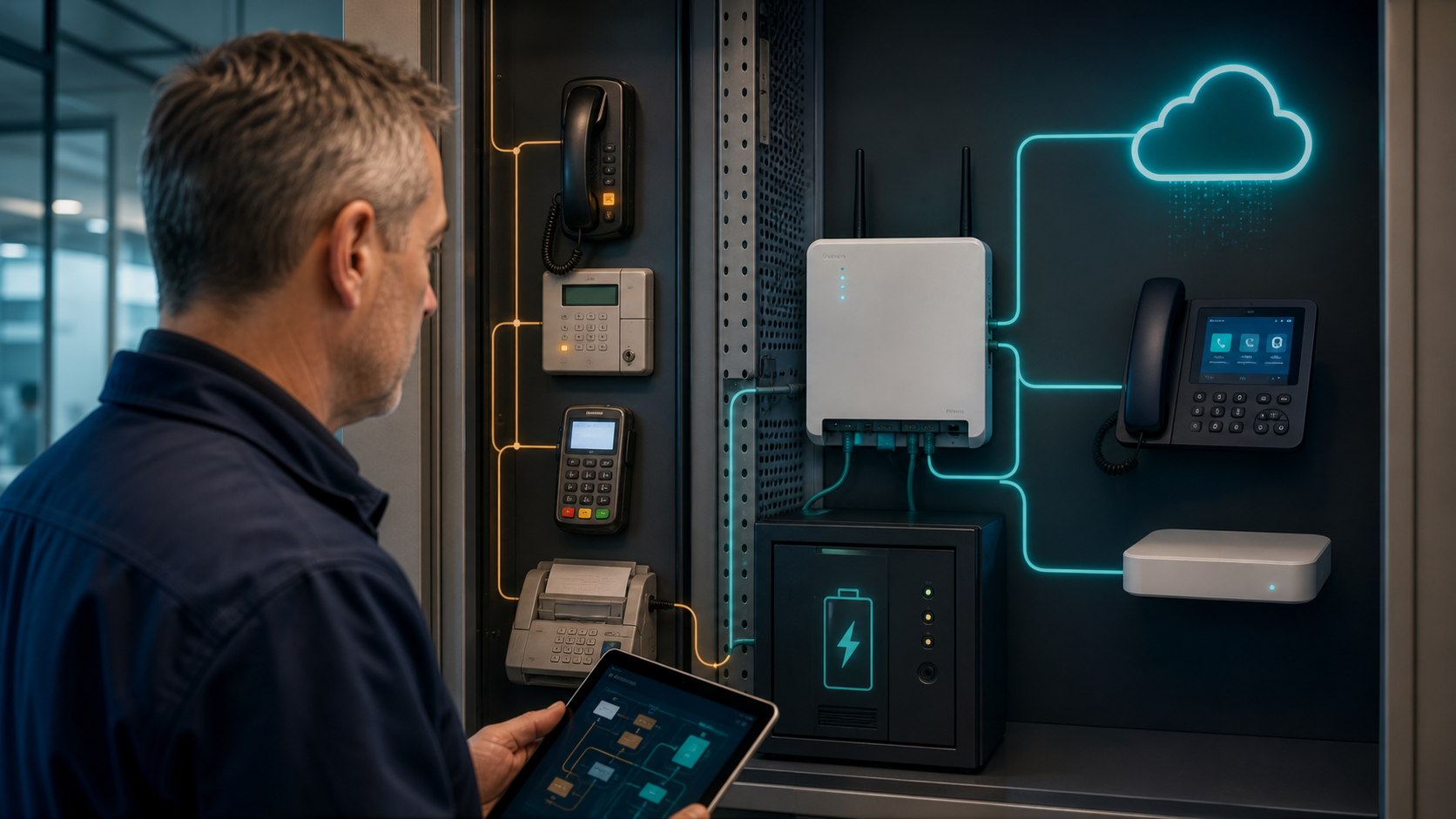
Technician auditing legacy mobile, payment, alarm, tracking and industrial devices before a network upgrade

The retirement of 3G mobile networks affects more than old handsets. Businesses may have payment terminals, alarm communicators, vehicle trackers, routers and industrial devices that use an embedded SIM and are easy to overlook.

O2’s business guidance on the 3G switch-off advises customers to check devices and move 3G-only equipment to a compatible 4G or 5G alternative. Other UK operators have completed or progressed similar programmes.

Build an inventory beyond mobile phones

Ask facilities, finance, security, fleet and operations teams what uses a SIM card. Check recurring mobile bills and physically inspect equipment. Common examples include:

  • card-payment terminals and vending systems;
  • intruder alarms, fire panels and CCTV routers;
  • vehicle tracking, dash cameras and telematics;
  • lone-worker and personal-safety devices;
  • temporary-site and failover broadband routers;
  • utility meters, environmental sensors and industrial telemetry;
  • gate, door-entry and intercom systems.

Record the device, SIM number, network, physical location, supplier, contract and business impact of failure. A device described as “4G capable” may still depend on 3G for voice or a particular operating mode, so confirm the exact model and firmware with the supplier.

Check coverage and configuration

Replacement technology does not guarantee identical coverage at every site. Test 4G or 5G signal where the equipment will operate, particularly inside plant rooms, metal buildings, basements and rural locations. An external antenna or alternative network may be necessary.

For voice devices, confirm support for Voice over LTE and ensure it is enabled. For data equipment, check the access-point settings, private-network requirements, firewall rules and remote-management method.

Plan a controlled replacement

  1. Prioritise safety, payment and security systems.
  2. Confirm replacement hardware and SIM compatibility.
  3. Test at the real operating location.
  4. Run old and new services in parallel where practical.
  5. Update documentation, support contacts and monitoring.
  6. Securely erase and dispose of retired equipment.

Use the audit to improve resilience

Review whether a device should rely on one network or technology. Critical connectivity may justify dual-SIM hardware, automatic failover, health monitoring or a fixed connection backed by 4G or 5G. The right design depends on the cost of an outage, not simply the monthly tariff.

MSP247 provides managed 4G and 5G broadband, network design and resilient business connectivity. Contact us for a device audit or replacement plan.

Business Wi-Fi for Listed Buildings and Multi-Floor York Offices

Business Wi-Fi coverage across historic and multi-floor York buildings

York businesses often occupy buildings that were never designed for modern wireless networks. Thick masonry, timber, metalwork, narrow staircases and multiple floors can absorb or reflect signals. Adding a more powerful router rarely fixes the underlying problem; reliable Wi-Fi starts with a survey, a wired design and careful placement.

Survey the building before choosing equipment

A professional survey considers wall construction, floor plans, user density, neighbouring networks and the applications people rely on. It should test both coverage and capacity: a signal can look strong while still performing poorly when a meeting room, restaurant or event space fills up.

For listed or sensitive interiors, identify acceptable cable routes and mounting positions early. Work may require landlord or conservation approval, so the network design must respect the fabric of the building and minimise visible equipment.

Use several well-placed access points

Multi-floor premises normally benefit from multiple lower-powered access points connected back to the network, rather than one device transmitting at maximum strength. Positioning should be based on measured coverage, not convenience. Ceiling and wall materials, lift shafts and plant rooms all change the result.

  • Separate staff, guest and building-system traffic
  • Use business-grade authentication and current encryption
  • Plan channel use to reduce interference
  • Provide resilient switching and power where appropriate
  • Document access-point locations, cabling and configuration

Design guest Wi-Fi safely

Hotels, restaurants, visitor attractions and professional offices may need a guest network. Guests should not be able to reach tills, printers, cameras, building controls or business devices. Appropriate segmentation, bandwidth controls and terms of use protect both performance and security.

Where connectivity is business-critical, consider what happens if the primary internet circuit fails. A secondary connection can keep essential services running, but failover should be tested with the real applications the business uses.

Manage the network after installation

Wi-Fi changes over time as neighbouring networks, device numbers and room layouts evolve. Central monitoring helps identify overloaded access points, interference and equipment faults. MSP247 can manage routers, switches and access points alongside endpoints, servers and connectivity, giving the business one team to investigate the whole path.

Plan coverage around the building and the business

MSP247 supports York and businesses across Yorkshire with surveys, network design, secure guest access and ongoing monitoring. Our free business IT review can include Wi-Fi coverage, cabling, resilience and security so improvements are based on evidence rather than guesswork.

The PSTN Switch-Off Is Now January 2027: What Businesses Should Do in 2025

Facilities manager auditing legacy telephone equipment before migration to resilient digital voice

The retirement of the UK analogue telephone network is now planned for 31 January 2027. The additional time is helpful, but it should be used to complete a controlled migration rather than postpone the work.

Openreach advises that analogue services and devices connected to them must move to digital alternatives. For a business, the challenge is rarely limited to the desk phones everyone can see.

Find every service that depends on a telephone line

Start with billing records, socket surveys and conversations with facilities suppliers. Legacy lines may still support:

  • lift emergency phones and refuge systems;
  • intruder alarms, fire panels and monitored CCTV;
  • door-entry and intercom systems;
  • payment terminals, franking machines and fax devices;
  • building controls, telemetry and remote monitoring;
  • backup lines that have not been tested for years.

Record the telephone number, physical location, service owner, supplier and business impact of losing each line. Do not cancel anything until the replacement has been installed and tested.

Digital voice depends on power and connectivity

A traditional analogue handset could often continue working during a local power cut. A digital service normally needs a router, network equipment and the device itself to remain powered. Critical services may therefore require an uninterruptible power supply, mobile failover or a replacement product designed for resilient operation.

Check whether your broadband connection has enough capacity and whether voice traffic receives appropriate priority. Businesses with a single internet circuit should also decide how calls and essential devices will operate during an outage.

Protect numbers and call flows

Decide which numbers must be retained and confirm the porting process before terminating the old contract. Document hunt groups, call queues, voicemail, out-of-hours routing and emergency arrangements so the new platform reproduces the required business behaviour.

Use the move as an opportunity to remove unused lines and replace inflexible hardware with a managed VoIP service. Modern systems can support remote working, mobile applications, reporting and easier continuity planning.

A sensible migration sequence

  1. Complete the line and device inventory.
  2. Confirm replacement options with every specialist supplier.
  3. Design power and connectivity resilience.
  4. Pilot the new service at a low-risk site or department.
  5. Port numbers and test inbound, outbound and emergency calls.
  6. Retire legacy lines only after sign-off.

MSP247 provides advanced telephone systems, SIP and VoIP services and resilient business connectivity. Contact us for a line audit and migration plan.

Mobile Network Future-Proofing Your Business with 4G/5G: What SME’s Need to Know about Mobile Networks.

Office and warehouse connected through resilient business 4G and 5G broadband

In today’s fast-paced digital landscape, staying ahead of the curve is paramount for small to medium enterprises (SMEs) aiming to thrive. With the advent of 4G and 5G technologies, businesses now have access to mobile networks offering unprecedented speeds and reliability. Compared to a decade ago, the coverage and capabilities of these networks have expanded significantly, providing SMEs with robust connectivity solutions that were once unimaginable. Moreover, the choice between external and indoor antennas can greatly impact the quality of your mobile network, with external options often enhancing signal strength and coverage.

Embracing the Power of 4G/5G

Evolution of Mobile Networks

Over the past decade, mobile networks have undergone a significant transformation. A decade ago, 3G was the standard, offering limited speeds and coverage. Today, 4G has become the backbone of mobile connectivity, providing much faster data transfer rates and wider coverage. Meanwhile, 5G is entering the scene, promising even greater speed and ultra-reliable connections. This evolution allows businesses to experience seamless video conferencing, cloud services, and real-time data analytics. The shift from 3G to 4G/5G has not only enhanced mobile network capabilities but also unlocked new opportunities for SMEs to innovate and grow with mobile solutions. As we continue to embrace these technologies, businesses can expect improved efficiency, productivity, and customer engagement.
How Mobile Networks Work

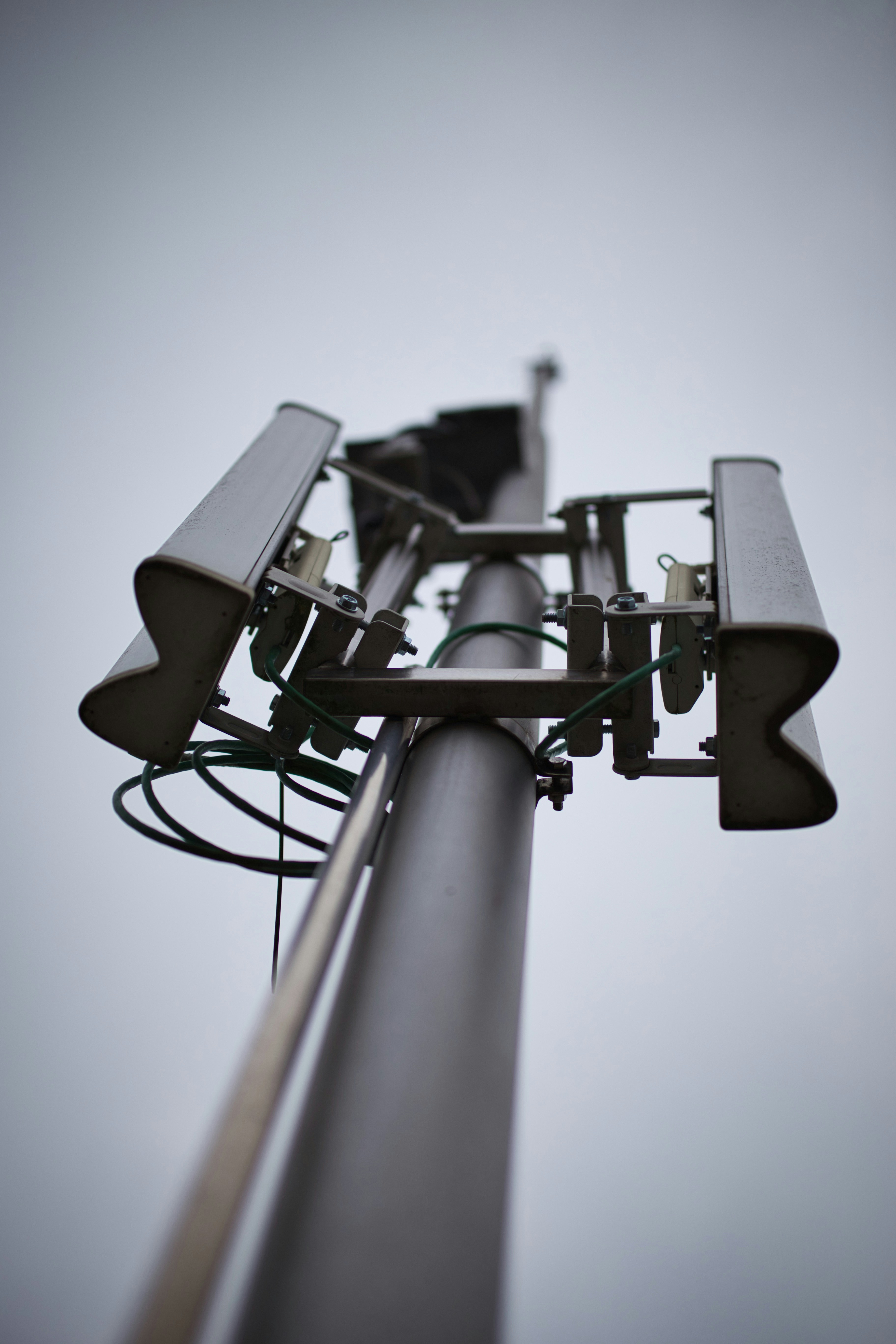
Understanding how mobile networks operate provides valuable insight into leveraging 4G and 5G effectively for your business. These networks function by connecting mobile devices to the internet or other networks via a series of base stations, often referred to as cell towers.

Key Components of Mobile Networks

  1. Base Stations: These are the cornerstones of mobile networks, responsible for transmitting and receiving signals from mobile devices. Base stations cover specific geographical areas known as cells, and the seamless transition between these cells allows uninterrupted mobile communication as users move.

  2. Core Network: This part of the network manages data traffic, routing calls, and internet connections. It acts as the central hub, linking base stations to external networks, including the public internet and other mobile networks.

  3. Mobile Devices: Smartphones, tablets, and other devices equipped with SIM cards connect to the closest base station, allowing access to network services like voice calls, messaging, and data transfer.

How Data Transmits

Data transmission in mobile networks occurs via radio frequencies. These frequencies are divided into channels, allowing multiple users to share the same bandwidth efficiently without interference. When a mobile device sends a request (like accessing a webpage), the signal travels from the device to the nearest base station. From there, it’s routed through the core network and onto the internet, which then sends the requested data back through the same path.

The Transition from 4G to 5G

While 4G networks primarily use existing radio frequency bands, 5G expands this spectrum to include higher frequencies. This expansion enables faster data speeds, increased capacity, and reduced latency, which are crucial for supporting modern applications like virtual reality and autonomous vehicles. Moreover, 5G introduces advanced technologies like beamforming and network slicing, which enhance efficiency and reliability.

By grasping the mechanics behind mobile networks, businesses can better appreciate the value of 4G and 5G solutions. This understanding helps in making informed decisions about network infrastructure investments, ultimately leading to improved business performance and customer satisfaction.

Why 4G/5G is Reliable Today

Today, 4G and 5G technologies stand as pillars of reliability for business connectivity. With extensive network infrastructure improvements, mobile networks now offer unparalleled coverage and stability. 4G provides robust speeds that handle most business needs efficiently, supporting data-intensive applications and mobile workforce demands. On the other hand, 5G takes reliability a step further with its ultra-low latency and high-capacity networks. This enables real-time communication and seamless IoT integration, crucial for modern businesses. Moreover, the ongoing rollout of 5G ensures that its benefits are becoming increasingly accessible, even in remote locations. By leveraging these advancements, SMEs can ensure uninterrupted operations, optimise remote work capabilities, and enhance customer experiences. Whether you’re looking to improve mobile network speeds or explore new digital solutions, 4G and 5G offer the reliability and performance to meet your business needs.

Comparing Coverage Over a Decade

A decade ago, mobile network coverage was a significant concern for businesses, with 3G networks offering limited reach and slower data speeds. Fast forward to the present, and the landscape has transformed dramatically with the advent of 4G and the ongoing rollout of 5G. Today, 4G networks cover a vast majority of the population, providing reliable and fast mobile connectivity even in many rural areas. Meanwhile, 5G is rapidly expanding its reach, promising to fill in coverage gaps with its increased capacity and faster speeds. This evolution means that businesses no longer need to worry about connectivity issues, allowing them to operate efficiently from almost anywhere. As network providers continue to invest in infrastructure, the gap between urban and rural connectivity is narrowing, opening new opportunities for SMEs to expand their operations without being hindered by geographical limitations.

Enhancing Connectivity Solutions

The Role of External Antennas

External antennas play a crucial role in boosting mobile network performance, especially in areas where signal strength is weak or inconsistent. Unlike indoor antennas, which may struggle with obstructions like walls and electronic interference, external antennas are positioned outside buildings, capturing a stronger, clearer signal. This enhancement is particularly valuable for SMEs located in remote areas or buildings with thick walls that impede signal penetration. By installing an external antenna, businesses can significantly improve their 4G or 5G connectivity, ensuring faster data speeds and more reliable communication. This upgrade not only enhances daily operations but also supports advanced applications such as cloud services and remote work solutions. For SMEs looking to optimise their network capabilities, considering an external antenna can be a game-changer in maintaining robust connectivity and ensuring seamless business operations.

Indoor vs. Outdoor Signal Solutions

When it comes to enhancing mobile network signals, businesses often face the decision between indoor and outdoor solutions. Indoor solutions, such as boosters and repeaters, are designed to amplify existing signals within a building. While they can be effective in improving connectivity in small spaces, their performance may be limited by structural interferences and the original signal strength. In contrast, outdoor solutions, primarily external antennas, capture stronger signals directly from mobile network towers. These antennas are usually mounted on rooftops or high points, bypassing obstructions that commonly weaken indoor signals. This direct connection often results in superior signal strength and reliability, making outdoor solutions ideal for businesses that require consistent and robust connectivity. When choosing between these options, it’s essential to consider the specific needs and location of your business to ensure optimal network performance and seamless communication.

Maximising Speeds with Mobile Networks

Maximising mobile network speeds is crucial for businesses aiming to leverage digital solutions effectively. To achieve optimal speeds, consider several factors. Firstly, ensure your devices support the latest technologies, like 4G and 5G, which provide significantly faster data transfer rates. Secondly, evaluate your signal strength; weak signals can bottleneck speeds. Installing external antennas can enhance signal reception and thus improve speeds. Additionally, network congestion can affect performance, so assess the number of devices connected and consider prioritising essential devices or applications. Implementing mobile network management solutions can help monitor and optimise data usage. Finally, partnering with a reliable IT service provider can ensure your network infrastructure is up-to-date and tailored to your specific needs. By addressing these aspects, businesses can maximise the potential of their mobile networks, enabling smoother operations and a better customer experience.

Preparing for Future Innovations

Upcoming Mobile Network Solutions

As technology evolves, so do the solutions available for mobile networks, offering businesses new opportunities for growth and efficiency. In the near future, 5G networks will become more prevalent, bringing enhanced capabilities such as ultra-reliable low-latency communication (URLLC) and massive machine-type communication (mMTC). These advancements will enable real-time data processing and better connectivity for IoT devices, transforming industries like logistics, healthcare, and manufacturing. Moreover, network slicing will allow businesses to customise their network experiences, ensuring optimal performance for specific applications. Edge computing is also emerging as a critical component, reducing latency by processing data closer to the source. As these solutions become mainstream, businesses should stay informed and prepared to integrate them into their operations. By doing so, they can maintain a competitive edge, drive innovation, and cater to the ever-changing demands of the digital age.

Future-Proof Strategies for SMEs

To ensure long-term success, SMEs must adopt future-proof strategies that leverage emerging mobile network technologies. First, assess your current infrastructure and upgrade to 4G or 5G-capable devices to capitalise on faster and more reliable networks. Next, consider integrating IoT solutions to streamline operations and enhance data-driven decision-making. Also, regularly evaluate your connectivity needs and explore advanced solutions such as external antennas or network management systems to maintain optimal performance. Furthermore, invest in staff training to keep your team abreast of technological advancements and capable of utilising new tools effectively. Collaborate with IT service providers to design scalable and adaptable network solutions that can evolve alongside technological trends. By implementing these strategies, SMEs can not only keep pace with digital transformation but also position themselves as innovative leaders in their respective markets.

Investing in Reliable IT Services

Investing in reliable IT services is a strategic move for SMEs looking to future-proof their operations. Partnering with a reputable IT service provider ensures access to expert guidance and cutting-edge solutions tailored to your business needs. Such providers can offer comprehensive services, including managed IT support, cybersecurity measures, and custom network solutions, ensuring seamless integration of 4G and 5G technologies. This partnership not only optimises existing infrastructure but also prepares your business for future technological advancements. Regular system updates, proactive network monitoring, and prompt technical support minimise downtime and enhance productivity. Additionally, IT service providers can help implement scalable solutions, enabling your business to adapt to evolving market demands and technological changes. By investing in reliable IT services, SMEs can secure a competitive edge, ensuring they remain agile and responsive in the fast-paced digital landscape.

Conclusion

In conclusion, the integration of 4G and 5G technologies presents a wealth of opportunities for small to medium enterprises (SMEs) to enhance their business processes, improve efficiency, and stay competitive in an increasingly digital world. With advancements that offer faster speeds, improved reliability, and broader coverage, these mobile networks will play a pivotal role in transforming business operations, from seamless communication to real-time data analytics. By leveraging external antennas and innovative network solutions, SMEs can overcome connectivity challenges and ensure robust performance across their operations. As we stand on the cusp of further innovations, adopting a proactive approach towards upgrading infrastructure and investing in reliable IT services will be critical. This strategy not only safeguards current operations but also positions businesses to capitalize on future technological advancements, ensuring sustained growth and success in the dynamic business environment.

As trusted advisors in IT solutions, we are here to guide you through future-proofing your business with these transformative technologies. Call us on 0330 301 0500, email us at sales@msp247.co.uk ot CONTACT US to explore how we can support your connectivity needs.


 

SOGEA Broadband for Business: What It Is and When to Use It

Small business router connected to a data-first SOGEA broadband service

Updated July 2026

SOGEA is a broadband service designed for the UK’s move away from analogue phone lines. It gives a business an internet connection without requiring a traditional telephone service on the same line. That makes it useful for many smaller sites—but it is important to understand what SOGEA is, what it is not, and whether it can support the way your team works.

What does SOGEA mean?

SOGEA stands for Single Order Generic Ethernet Access. In practical terms, you order broadband as a standalone service instead of buying broadband together with an analogue phone line. Voice calls are normally moved to a digital service such as hosted VoIP.

SOGEA uses technology similar to FTTC: fibre runs to the local street cabinet, while the final section to the premises normally uses the existing copper pair. Openreach describes SOGEA as offering download speeds of up to 80 Mbps, subject to line length, condition and availability. It is therefore not the same as full-fibre FTTP, it is not normally symmetrical, and it is not a dedicated leased line.

What speeds can a business expect?

The actual speed depends on the premises and its distance from the cabinet. SOGEA services are generally asymmetric, so uploads are slower than downloads. Before recommending it, a provider should complete an availability check and give realistic estimates for both directions.

That distinction matters. A small office using Microsoft 365, cloud applications, web browsing and VoIP may find SOGEA perfectly adequate. A larger team regularly uploading design files, running cloud backups, hosting servers or relying on high-quality video meetings may need a leased line or FTTP where available.

The main benefits of SOGEA

  • No analogue phone service is required. You pay for the broadband connection without maintaining a traditional voice line you no longer use.
  • A practical migration route. It helps businesses move their calls to VoIP before the analogue network is retired.
  • Broad availability. It can be an option at locations where full fibre has not yet reached the premises.
  • Familiar installation. Many sites can reuse the existing Openreach socket and copper path, although the router and configuration must be suitable.
  • Useful for secondary connectivity. Depending on local availability, SOGEA can form part of a backup design alongside a primary circuit or 4G/5G failover.

Limitations to plan for

SOGEA removes the old phone service, so devices that relied on an analogue dial tone need attention. That can include alarms, lift phones, door-entry systems, payment terminals, fax machines and telemetry equipment. These devices should be audited and either migrated to an IP-compatible service or given a specialist replacement.

Digital phone services also depend on local power and working connectivity. If phones are business-critical, use a suitable UPS for the router, firewall and handsets, and consider a second connection or mobile failover. The right design depends on the impact that an outage would have on your organisation.

SOGEA, FTTP or a leased line?

SOGEA is often the value option for a small site with moderate bandwidth needs and no requirement for an analogue phone line. FTTP takes fibre all the way to the building and can offer much faster download and upload performance. A leased line provides dedicated business connectivity, typically with symmetrical bandwidth, stronger service commitments and better options for organisations where downtime carries a high cost.

The best choice is based on users, applications, upload demand, resilience, budget and availability—not simply the largest advertised download number. MSP247 can assess the site and recommend a right-sized option from our business connectivity services.

A sensible SOGEA migration checklist

  1. Check availability and obtain realistic download and upload estimates.
  2. List every service using the current phone line, including non-voice equipment.
  3. Choose and test a VoIP service before the old line is ceased.
  4. Confirm the router, firewall and Wi-Fi can support the new connection.
  5. Decide whether static IP addresses, VPN access or inbound services are required.
  6. Plan power protection and a backup connection where continuity matters.
  7. Schedule the change with time to test calls, cloud services and remote access.

Is SOGEA right for your business?

SOGEA is a useful, widely available broadband product, but it should not be sold as full fibre or a symmetrical gigabit service. For the right small office it can be cost-effective and dependable; for a bandwidth-heavy or business-critical site, FTTP or a leased line may be the better investment.

Ask MSP247 to review your current connection. We can check availability, identify analogue dependencies and design the broadband, VoIP, network and resilience your business needs.

Technical reference: Openreach All IP FAQs.

The ISDN Switch-Off in the UK: What It Means and How to Prepare

Legacy telephone equipment transitioning to modern cloud VoIP phones and headsets

Updated July 2026: UK businesses using traditional telephone lines now have a firm deadline to plan around. Openreach customers must be migrated away from the legacy Public Switched Telephone Network (PSTN) and ISDN services by 31 January 2027. This is not simply a telephone-system change: many alarms, lift phones, door-entry systems, fax machines, payment terminals and other devices can still depend on an analogue line.

This guide explains what the digital switchover means, what to audit and how to move to modern voice services without creating unnecessary risk for your business.

What is being switched off?

The PSTN is the ageing analogue telephone network that has carried traditional voice services for decades. ISDN added digital voice channels over the same legacy infrastructure and became widely used for business phone systems. These services are being replaced by internet-based, All-IP alternatives.

The current government connectivity timeline states that all users of the Openreach PSTN need to be migrated by 31 January 2027. Individual providers may move customers earlier, so businesses should confirm their own migration timetable rather than waiting for the final deadline.

Read the current UK government telecommunications timeline.

The hidden services your audit must include

Start with every telephone number and line on your bills, but do not stop there. Legacy connections are often hidden inside facilities, security and operational systems.

  • Business telephone systems and individual analogue handsets
  • Lift emergency phones and refuge communication systems
  • Fire, intruder and monitored alarm signalling
  • Door-entry systems, intercoms, gates and barriers
  • Fax machines, franking machines and analogue modems
  • EPOS, card-payment and vending equipment
  • Telemetry, building-management and remote-monitoring devices
  • Redcare-style signalling and other supplier-managed services

Record the number, location, supplier, purpose, contract owner and business impact of losing each service. Ask the equipment manufacturer whether the device is approved for use over an IP connection—an analogue telephone adaptor is not suitable for every system.

Replacement options for business voice

Hosted VoIP

A hosted telephone system moves the call-control platform into the cloud. Users can work with desk phones, desktop software and mobile applications, while features such as call groups, voicemail-to-email, reporting and business-continuity routing are managed centrally. It is often the simplest option for organisations replacing an older PBX.

SIP trunks

SIP trunks carry calls over an IP connection and can allow a compatible on-premises phone system to remain in service. Compatibility, software support, licensing and resilience should all be checked before choosing this route.

Digital voice and specialist replacements

A provider-supplied digital voice service may suit a small number of ordinary handsets. Safety-critical or machine-to-machine equipment may need a purpose-built IP or mobile replacement supplied and tested by the relevant alarm, lift or equipment specialist.

Plan for power cuts and broadband failure

Traditional analogue lines could power a basic handset from the exchange. IP phones, routers, switches and fibre equipment require local electricity. A digital migration therefore needs a resilience plan, not only a new telephone contract.

  • Use an appropriately sized UPS for routers, switches, telephone equipment and fibre termination devices.
  • Consider a second internet connection or managed 4G/5G failover for important sites.
  • Configure call diversion or mobile applications for an office outage.
  • Test emergency calls, alarm signalling and failover under realistic conditions.
  • Document who receives alerts and who is authorised to contact each supplier.

A practical seven-step migration plan

  1. Audit every line and dependent device. Match bills to equipment and locations.
  2. Confirm supplier deadlines. Your provider may migrate services before January 2027.
  3. Separate voice from specialist systems. Involve alarm, lift, payment and facilities suppliers early.
  4. Assess connectivity. Check bandwidth, latency, Wi-Fi, switching, firewall rules and resilience.
  5. Select and configure the replacement. Plan number porting, call flows, licences, handsets and user applications.
  6. Test before ceasing anything. Prove inbound and outbound calls, emergency calling, failover and every connected device.
  7. Train users and document support. Provide quick guides and clear escalation contacts.

How MSP247 can help

MSP247 can audit your current lines, review network readiness, design a resilient replacement and coordinate number porting and user deployment. Our business telephone systems, connectivity and managed IT services can be brought together through one support team.

Do not wait for a cease notice to reveal a forgotten line. Contact MSP247 to arrange a practical PSTN and ISDN migration review.

A practical technology partner

Clear ownership across your whole IT environment

MSP247 brings day-to-day support, security, connectivity and planning together so your team has one accountable route for help.

Whole-environment support

Windows, Mac, iPhone, iPad, Chromebook, servers, networks and cloud services supported as one working environment.

Yorkshire coverage

Responsive remote support with planned on-site assistance across York, Leeds and the wider Yorkshire region.

A clearly agreed scope

Responsibilities, priorities, escalation routes and available response arrangements are explained before service begins.

Security and continuity

Accounts, devices, backups and connectivity resilience are reviewed together instead of as isolated products.

This site uses analytics.