Whole-environment support
Windows, Mac, iPhone, iPad, Chromebook, servers, networks and cloud services supported as one working environment.

Welcome to MSP247, your trusted partner in advanced Network and Wi-Fi solutions for Businesses. Embrace the power of software-defined networking (SDN) for seamless device updates and centralized management. Whether you need robust Unifi routers, high-performance switches, or cutting-edge Wi-Fi access points, we’ve got you covered.
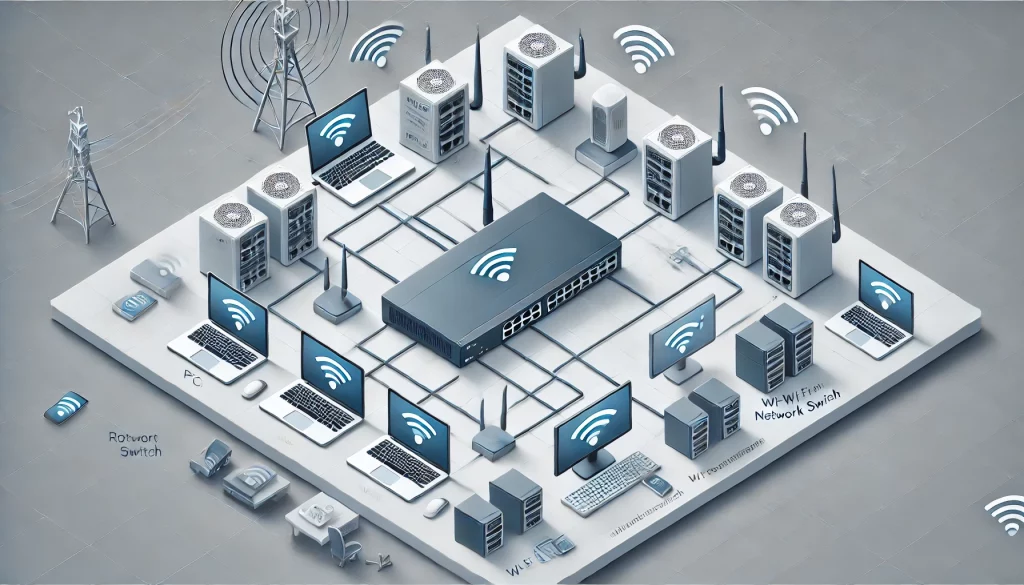
Our routers provide the foundation for a robust and secure network infrastructure. Beyond basic connectivity, they integrate advanced capabilities like dynamic traffic management to optimize performance during high usage and traffic prioritization to ensure critical applications run smoothly. With their intuitive dashboards, you can effortlessly monitor and adjust your network settings in real-time. Their innovative multi-WAN failover ensures business continuity, even during internet outages, while integrated zero-touch provisioning simplifies deployment across multiple sites.
Unleash the full potential of your network with Unifi Routers. Designed for flexibility and security, these routers offer:
The switches in our offering go beyond just connecting devices; they empower businesses with unparalleled flexibility. Each switch is engineered to deliver low-latency connections, crucial for handling time-sensitive applications like video conferencing or cloud-based software. Advanced energy-efficient PoE switches support devices like IP phones and cameras while optimizing power consumption. Built-in Layer 2 and Layer 3 switching capabilities ensure seamless network segmentation and scalability for growing operations.
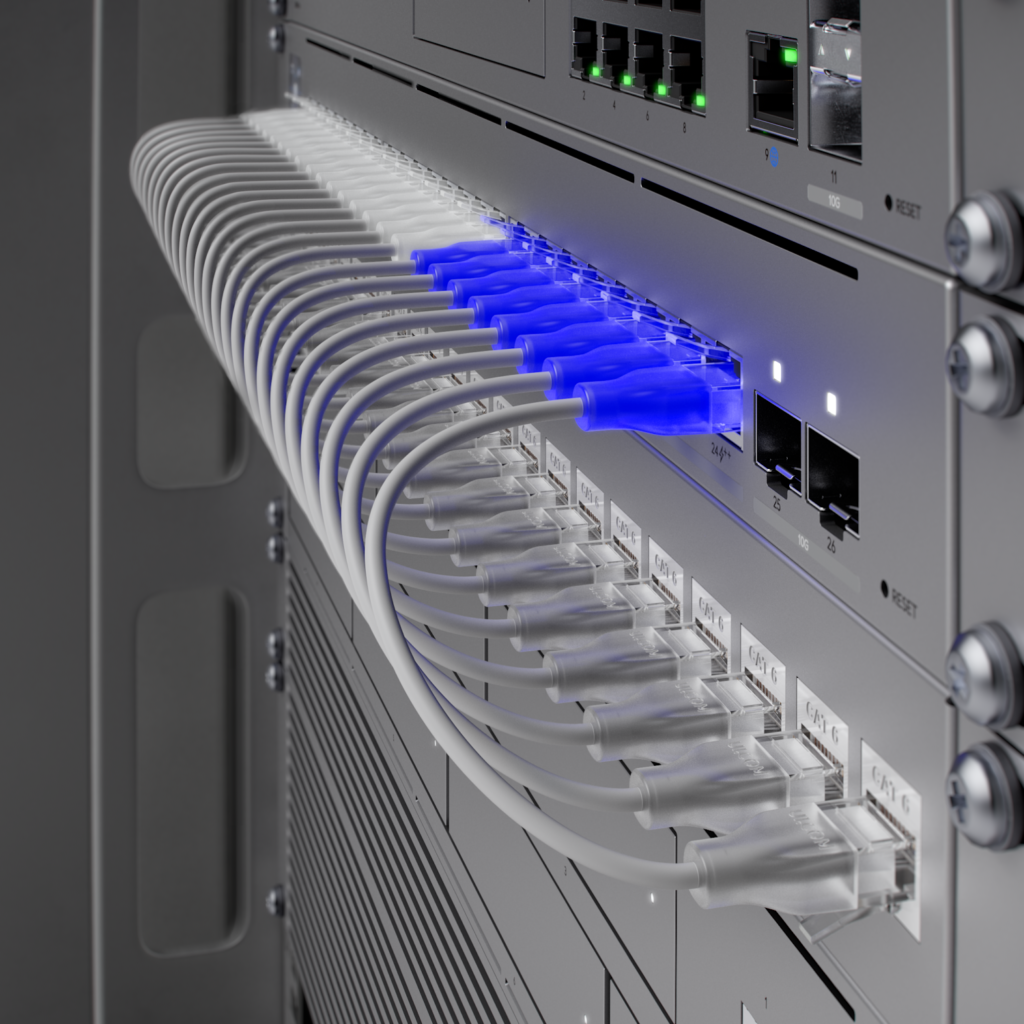
Our switching solutions are tailored for businesses that demand reliability and scalability:
Our access points are designed for dense environments like offices, retail spaces, or multi-floor buildings, delivering consistent performance even with high user counts. Their beamforming technology directs the strongest signal to devices, ensuring stable connections throughout your premises. With support for WiFi 6 and beyond, they offer ultra-fast data transfer speeds, reduced interference, and improved battery life for connected devices. Comprehensive network security features protect sensitive data from potential threats.
Ensure seamless connectivity with Wi-Fi Access Points engineered for high performance:
CCTV Security Cameras
Smart Door Access
Seamless Voice Solutions
WiFi 5 is the fifth generation of Wi-Fi technology, also known as 802.11ac. It introduced faster speeds and greater efficiency compared to its predecessor (WiFi 4).
Key Features:
Best For: Streaming HD/4K content, online gaming, and faster internet browsing in environments with fewer connected devices.
WiFi 6, also known as 802.11ax, is designed to improve efficiency, speed, and capacity for networks with many connected devices.
Key Features:
Best For: Smart homes, IoT devices, high-density environments like offices, and gaming with reduced latency.
WiFi 7, or 802.11be, is the next-generation Wi-Fi standard offering unprecedented speed, ultra-low latency, and enhanced performance for high-bandwidth applications.
Key Features:
Best For: Future-proofing networks, enterprise environments, virtual reality, 8K streaming, and high-speed gaming.
A managed switch provides greater control over your network, allowing advanced features like VLANs (to segment traffic), Quality of Service (QoS) settings (to prioritize critical data), and monitoring tools to troubleshoot issues. These are ideal for businesses or networks that need customization.
Unmanaged switches are simpler, plug-and-play devices that don’t require configuration. They’re perfect for home or small office setups where advanced features aren’t necessary, offering a cost-effective and user-friendly solution.
PoE (Power over Ethernet) switches combine power and data delivery in a single Ethernet cable, simplifying installation for devices like IP cameras, access points, and VoIP phones. This eliminates the need for separate power outlets near each device, reducing cable clutter and making installations more flexible. PoE switches often include power management features, letting you monitor and control power output to individual ports, which is particularly useful for troubleshooting or energy optimization.
First, ensure proper placement of wireless access points to provide full coverage and avoid interference from walls or other electronics. Use Quality of Service (QoS) settings on your router or switch to prioritize critical devices or applications, like video conferencing or VoIP. Configure VLANs for larger networks to isolate traffic, reducing congestion. Also, ensure devices are connected to the appropriate Wi-Fi band: use 5 GHz for high-speed tasks and 2.4 GHz for greater range.
Start by using a robust firewall to block unauthorized access and set up VLANs to separate traffic, such as guest Wi-Fi or IoT devices, from critical business systems. Use strong passwords for all devices and enable encryption protocols like WPA3 for Wi-Fi. Multi-factor authentication (MFA) adds an extra layer of security for sensitive systems. Regularly update firmware and software to patch vulnerabilities and conduct periodic audits to identify potential threats.
Begin by running a speed test to determine if the issue is with your ISP. Check for bandwidth-hungry applications or devices on the network, and use QoS to prioritize critical traffic. Ensure access points and routers are placed for optimal coverage, avoiding physical obstructions or interference. Test cables and connections for faults, and ensure firmware is up to date. If the issue persists, consider upgrading to higher-speed internet or adding additional access points to distribute load.
A network controller acts as a central hub for managing and monitoring all devices on a network, such as switches, access points, and routers. It simplifies configuration, enabling changes to settings (like SSIDs or VLANs) across multiple devices simultaneously. Controllers often provide real-time analytics, showing traffic patterns, device statuses, and performance metrics. They’re particularly useful in environments with multiple devices, helping to streamline management and ensure optimal performance.
The most secure option is to set up a Virtual Private Network (VPN), which encrypts the connection between your device and the network. Many routers and network controllers offer built-in VPN capabilities. Alternatively, some systems offer cloud-based remote management solutions that allow you to access and configure devices securely from anywhere. Ensure you use strong passwords, enable two-factor authentication (2FA), and update firmware regularly to reduce security risks.
 Expert Assessment: Gain insights from network professionals who evaluate your current setup and identify areas for improvement.
Tailored Recommendations: Receive personalised solutions designed to optimise your network, based on your specific business needs.
No Obligation: Benefit from expert advice with no strings attached, helping you make informed decisions without commitment.
A practical technology partner
MSP247 brings day-to-day support, security, connectivity and planning together so your team has one accountable route for help.
Windows, Mac, iPhone, iPad, Chromebook, servers, networks and cloud services supported as one working environment.
Responsive remote support with planned on-site assistance across York, Leeds and the wider Yorkshire region.
Responsibilities, priorities, escalation routes and available response arrangements are explained before service begins.
Accounts, devices, backups and connectivity resilience are reviewed together instead of as isolated products.